Package Installation
In this section we will install npm packages on our frontend project.
- Open frontend code in VS Code.
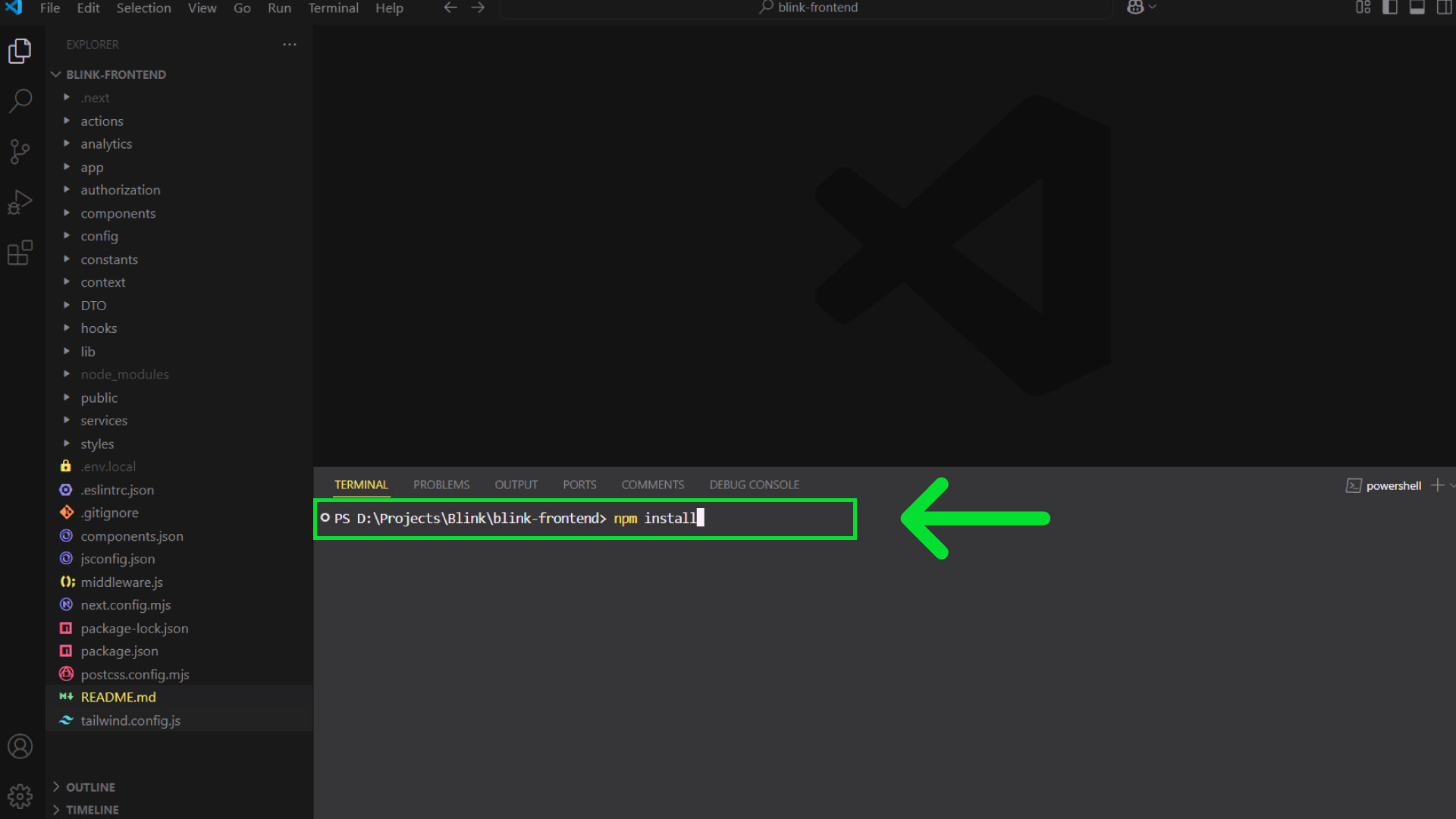
- Open terminal of VS code.
- Make sure the terminal is pointing to the root folder.
- Write this on the terminal
npm install. Then press Enter. - The above command will install npm packages. It might take few minutes.
info
- Windows / Linux shortcut to open VS Code terminal
Ctrl+`. - Mac shortcut to open VS Code terminal
Command+`.